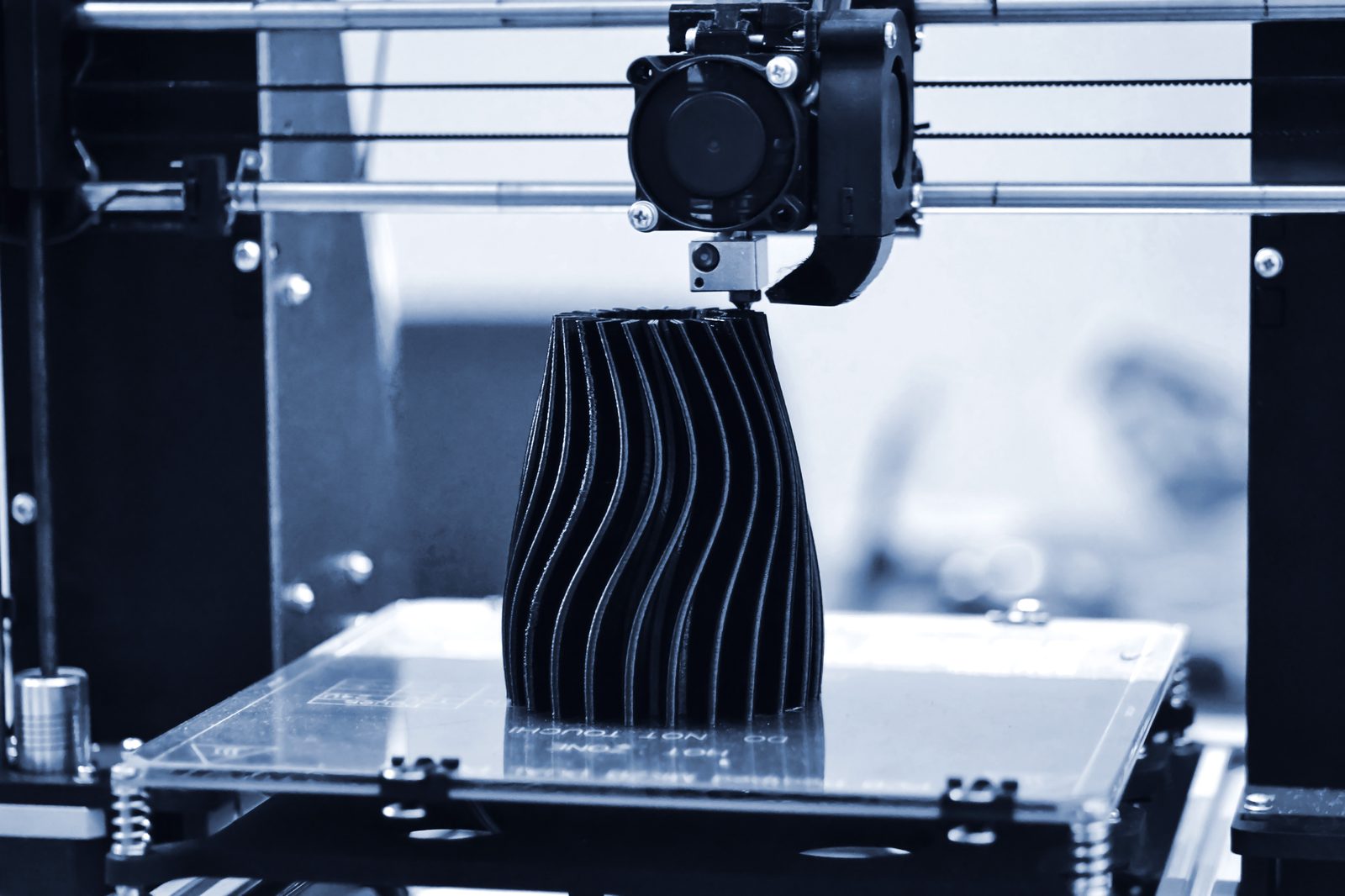
Resin printing has a reputation, deserved for the most part, of being finicky — failed prints, tacky supports, a workflow that punishes small mistakes with a ruined print and a mess of uncured liquid resin. The Form 4 is Formlabs' answer to that reputation, and after running it hard for several months producing everything from functional prototypes to detailed miniatures, it's the first resin printer I've used that felt closer to 'appliance' than 'hobby project.'
Light Processing Unit: The Speed Story
The headline change from previous Formlabs machines is the move to Low Force Stereolithography combined with a new Light Processing Unit that cures an entire cross-section of the print at once using a matrix of individually addressable light sources, rather than the older laser-galvo approach that draws each layer point by point. The practical result is speed — the Form 4 prints roughly twice as fast as the Form 3+ on typical jobs, and the gap widens further on parts with dense cross-sections where a laser has to trace a lot of area.
For a business using this to produce prototypes or short-run parts, that speed difference is not a nice-to-have. It's the difference between getting a design iteration back same-day versus waiting until tomorrow, which changes how many iterations you can actually afford to run through in a product development cycle.
Print Quality Across Materials
Formlabs' resin library is the other half of what makes this platform genuinely professional rather than hobbyist-adjacent: dozens of validated materials engineered for specific mechanical properties — flexible resins that behave like rubber, rigid engineering resins with real tensile strength, dental and medical-grade materials for those regulated use cases, and standard resins tuned for fine detail on miniatures and models. Layer lines are close to invisible on standard resin at 50-micron settings, and the flexible materials genuinely flex and rebound rather than just being "less rigid."
Where the Form 4 earns its reputation for reliability is consistency between prints. Run the same file five times and you get five nearly identical parts — a real differentiator from budget resin printers where print-to-print variation is common enough that you learn to just expect it.
Wash and Cure: The Unsexy Part That Matters
Resin printing isn't done when the print finishes — parts need washing in isopropyl alcohol and post-curing under UV light before they're structurally finished, and this workflow is where a lot of resin printing setups fall apart into an inconvenient mess. Formlabs' Wash and Cure stations (sold separately, and functionally close to mandatory for serious use) automate both steps cleanly, and the whole ecosystem — printer, wash, cure, resin cartridges — is designed to work together rather than being cobbled from different vendors.
Software and Workflow
PreForm, Formlabs' slicing software, handles support generation and orientation intelligently enough that beginners get good results without deep manual tuning, while still exposing enough manual control for experienced users optimizing a production part. Automatic resin dispensing from cartridges (rather than hand-pouring from bottles) removes one of the messiest, most error-prone parts of the older resin-printing workflow entirely.
Who Actually Needs This Machine
The Form 4 makes the most sense for small businesses producing functional prototypes or short-run parts, dental and orthodontic practices using validated medical resins, jewelry makers doing lost-wax casting patterns, and hobbyists serious enough about miniatures or props that print reliability and detail genuinely matter to the outcome. If you're printing occasional functional brackets or toys for personal use, a much less expensive FDM (filament) printer will serve you better and with far less post-processing hassle.
Pros and Cons
Pros:
- LFOS technology roughly doubles print speed over the previous generation
- Exceptional print-to-print consistency versus budget resin printers
- Huge validated material library spanning flexible, rigid, dental, and standard resins
- Automatic resin dispensing eliminates the messiest part of older resin workflows
- PreForm software balances beginner-friendly defaults with expert-level control
Cons:
- Wash and Cure stations are essentially required and add significantly to total cost
- Formlabs resin cartridges are proprietary and pricier than open-market resin
- Overkill and needlessly expensive for casual, non-functional hobby printing
- Post-processing (washing, curing, support removal) still takes real time regardless of print speed
Frequently Asked Questions
Do I need the Wash and Cure stations, or can I do it manually?
You can wash and cure manually with isopropyl alcohol and a UV lamp, but at this price point most buyers are using the printer professionally, where the automated stations pay for themselves in saved time and more consistent results.
Can it print with third-party resin?
Formlabs' open-material mode does allow some third-party resins, but the automatic dispensing, validated print settings, and support are all built around Formlabs' own cartridge system.
Final Verdict
The Form 4 doesn't reinvent what resin printing is, but it removes most of the friction that makes resin printing hard to recommend to anyone without patience for troubleshooting. For businesses and serious makers, that reliability is worth paying for.
Rating: 9.0/10 — Professional-grade resin printing that finally behaves like a tool instead of a hobby project.