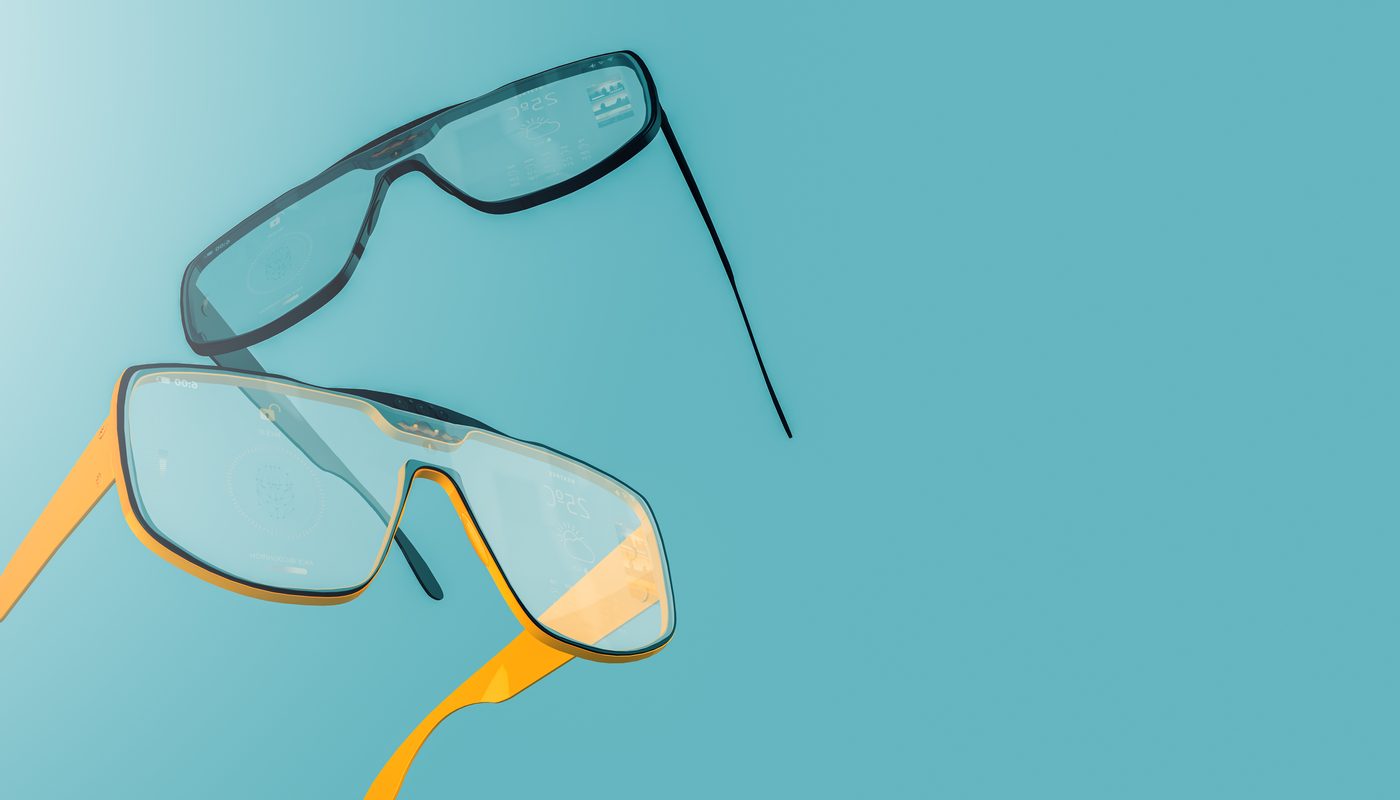
I've owned two previous generations of smart glasses that ended up in a drawer within two weeks, mostly because they either looked obviously like gadgets or didn't do enough to justify wearing a computer on my face. These actually look like Ray-Bans, and that alone has kept them on my face far longer than either predecessor.
They Actually Look Like Normal Glasses First
This is the single biggest reason these have stuck with me where previous smart glasses didn't: from a normal conversational distance, these look like a standard pair of Ray-Ban Wayfarers, not an obvious tech gadget strapped to your face. The camera lens and sensor housing are genuinely well hidden within the classic frame design, and multiple people who know I test gadgets for a living didn't notice anything unusual about them until I specifically pointed it out. That social invisibility matters enormously for whether you'll actually wear something daily versus feeling self-conscious in it.
The In-Lens Display: Useful in Specific, Limited Ways
The built-in display projects a small, monochrome interface visible only to the wearer in the corner of one lens, used for things like notification previews, turn-by-turn walking directions, and translated text overlays. It's genuinely useful for quick glances — checking a message preview without pulling out your phone, following walking directions without staring down at a screen — but it's not a full augmented reality display, and treating expectations accordingly matters; this is a supplementary glance-and-go interface, not a phone replacement strapped to your face.
Camera and Photo Quality
The built-in camera captures genuinely usable photos and video from a first-person point of view, which has been the most immediately fun feature for casually capturing moments — cooking, a hike, a kid's activity — without holding up a phone and breaking the moment to frame a shot. Image quality is good in decent lighting but noticeably softer than a proper smartphone camera in lower light, which is an expected trade-off given the physical size constraints of a camera embedded in a glasses frame.
The AI Assistant Integration
Voice-activated AI assistance handles hands-free questions, translation, and object or text identification through the camera reasonably well in good conditions, though accuracy noticeably drops in noisy environments or with less common accents and phrasing, which is a fair, real limitation rather than a dealbreaker. I've found it most genuinely useful for quick hands-free tasks — starting music, getting a quick fact, translating a menu while traveling — rather than complex extended conversations.
Battery Life and the Charging Case
On-glasses battery life covers a full day of moderate use, though heavy camera or display use drains it faster, and the included charging case provides several additional full charges when you're away from an outlet, which has made multi-day travel use genuinely practical rather than requiring careful rationing. This is a meaningfully more usable battery situation than earlier smart glasses generations that struggled to make it through a single active day.
Privacy Considerations Worth Being Upfront About
These have an integrated camera capable of recording people around you, and a genuine, fair social consideration exists around this that earlier smart glasses attempts also struggled with. An LED indicator lights up during active recording, which is a real transparency feature, but you should be thoughtful and upfront with people around you about wearing camera-equipped glasses, particularly in private settings, rather than assuming the social awkwardness this genre of device has previously created has been fully solved by better hardware alone.
Who Should Buy This
If you want a genuine augmented reality experience with a rich visual overlay, this display is too limited for that use case, and a dedicated AR headset would serve that need better. This earns its place for people who want genuinely useful hands-free notifications, navigation, and casual point-of-view photo and video capture, in glasses that don't announce themselves as tech and that you'll actually keep wearing past the novelty phase.
Pros and Cons
Pros:
- Genuinely indistinguishable from normal Ray-Ban frames at conversational distance
- In-lens display is useful for quick glances without pulling out a phone
- Fun, natural first-person photo and video capture
- Meaningfully improved battery life and charging case versus earlier generations
Cons:
- Display is limited and monochrome, not a full augmented reality experience
- Camera image quality drops noticeably in low light
- Genuine social and privacy considerations around wearing camera-equipped glasses
Frequently Asked Questions
Can other people tell when I'm recording?
An LED indicator activates during recording as a transparency feature, though it's still good practice to be upfront with people around you about wearing camera-equipped glasses.
Is the display a full augmented reality experience?
No, it's a limited, monochrome glance-style display for notifications, directions, and simple overlays, not a rich AR visual experience layered over your full field of view.
Final Verdict
These are the first smart glasses I've owned that solved the actual core problem previous generations failed at — looking normal enough, and being useful enough in small daily moments, that I've genuinely kept wearing them past the first two weeks.
Rating: 8.6/10 — The first pair that didn't end up quietly retired in a drawer.